





Cutting Bottle Holder Box for Father's Day

Basic
| Software | LightBurn |
|---|---|
| Machine | Falcon2 22W Laser Engraver |
| Laser Module Output Power | 22W |
| Material Used |
Three 400x400mm sheets of 3mm poplar plywood, Laser Falcon 22W, Safety glasses, Mask |
| Author | Marcuzzo Mattia |
| Purpose | Bottle box cutting |
| LightBurn Files |
Step 1:
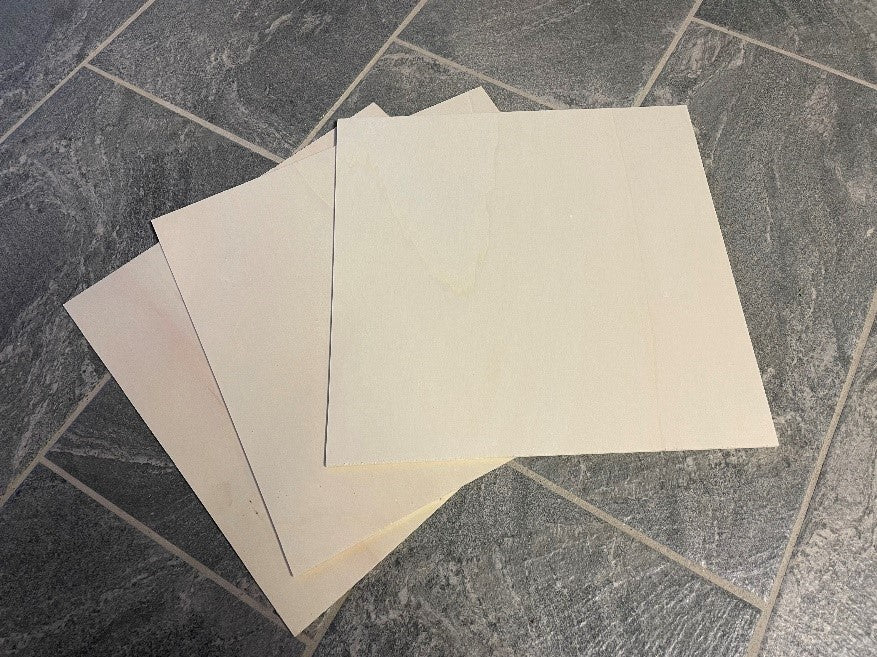
Identify three 400x400mm sheets of 3mm poplar plywood.
Step 2:
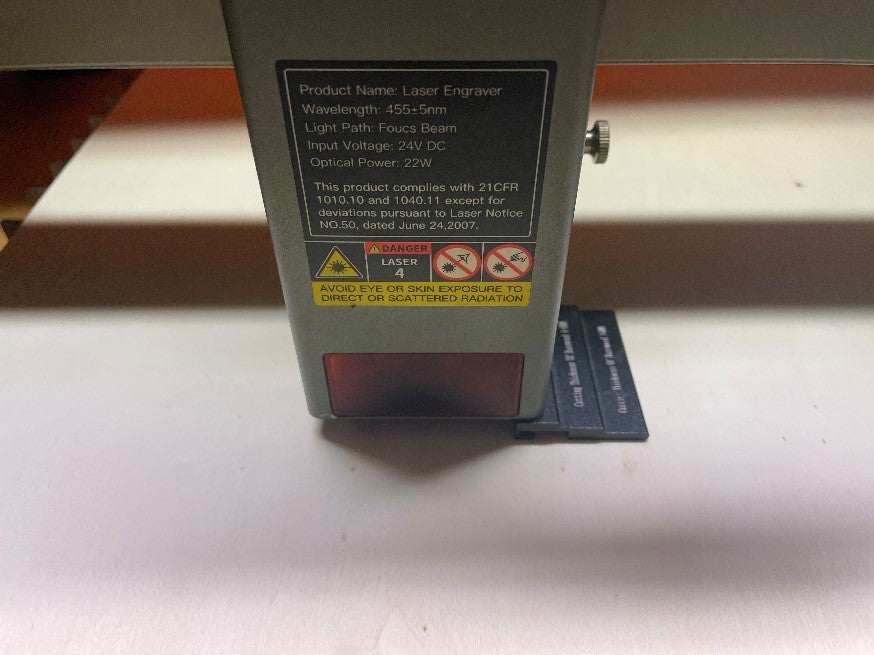
Place one of the sheets on the laser working field and adjust the focus of the laser module.
Step 3:
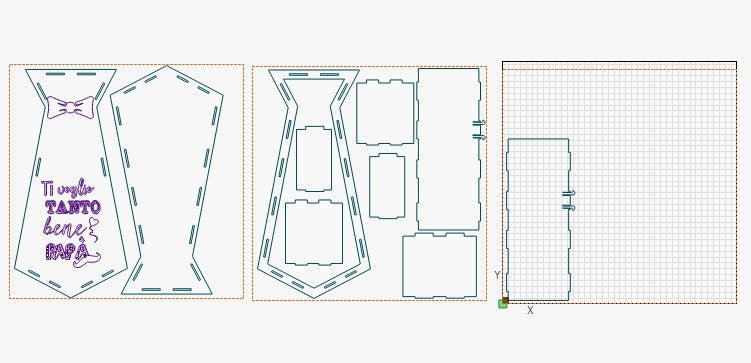
The nestings to be cut will be three as the number of sheets needed
Step 4:
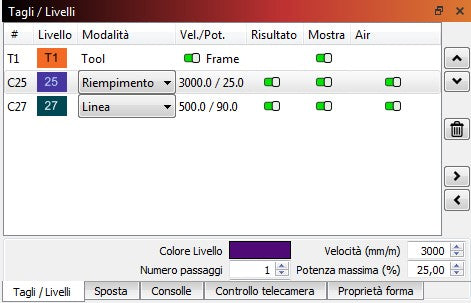
On lightburn, position one of the three nestings within the working field and set the cutting and engraving speed and power as shown in the image
Step 5:
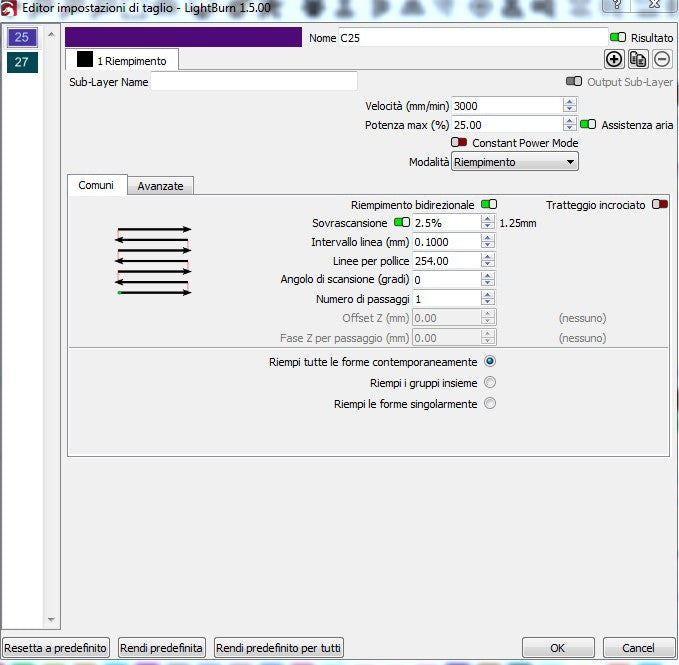
Set the parameters for engraving the image as shown in the photo.
Step 6:
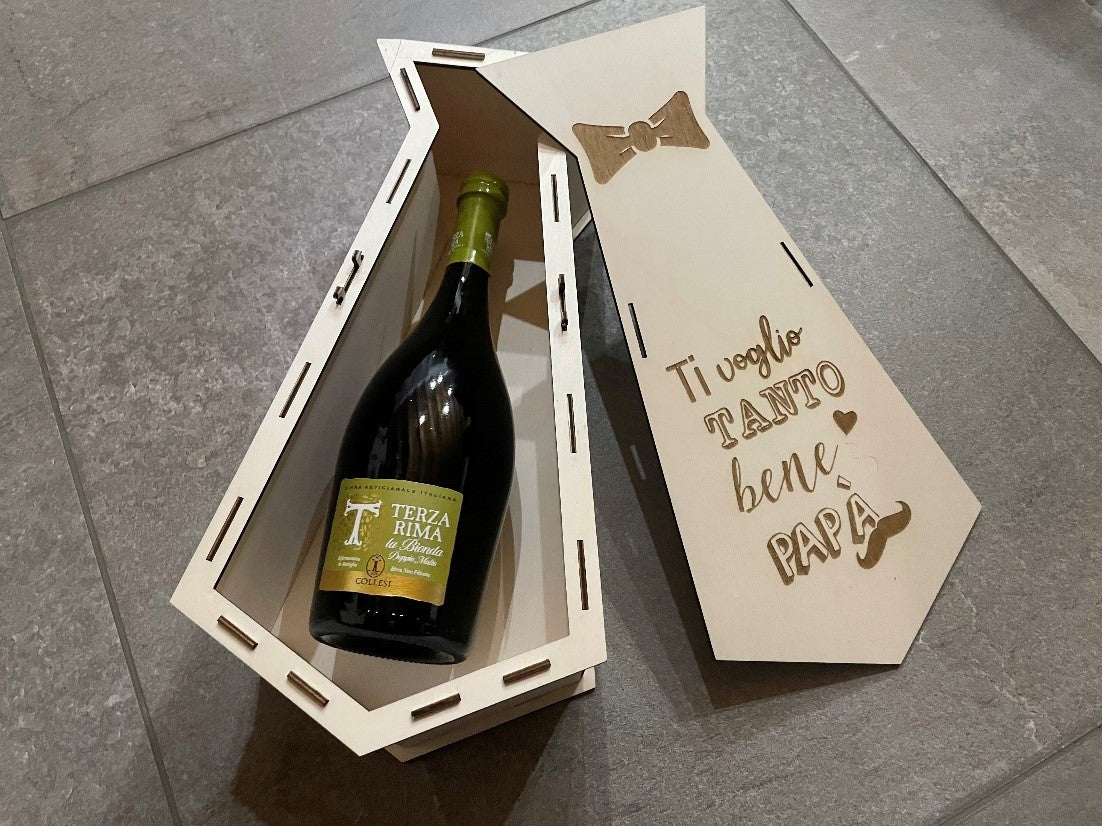
Highlight the nesting and press play to cut.
These operations must be done for all three nestings. Good work.
Step 7:
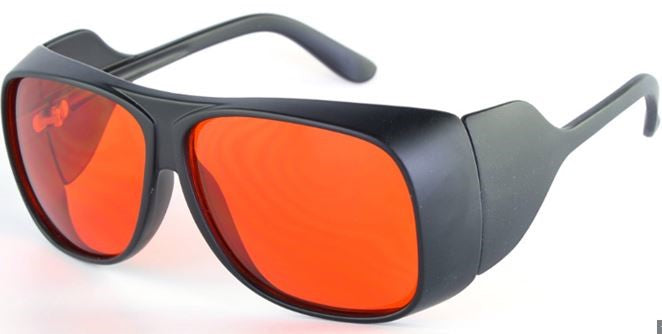
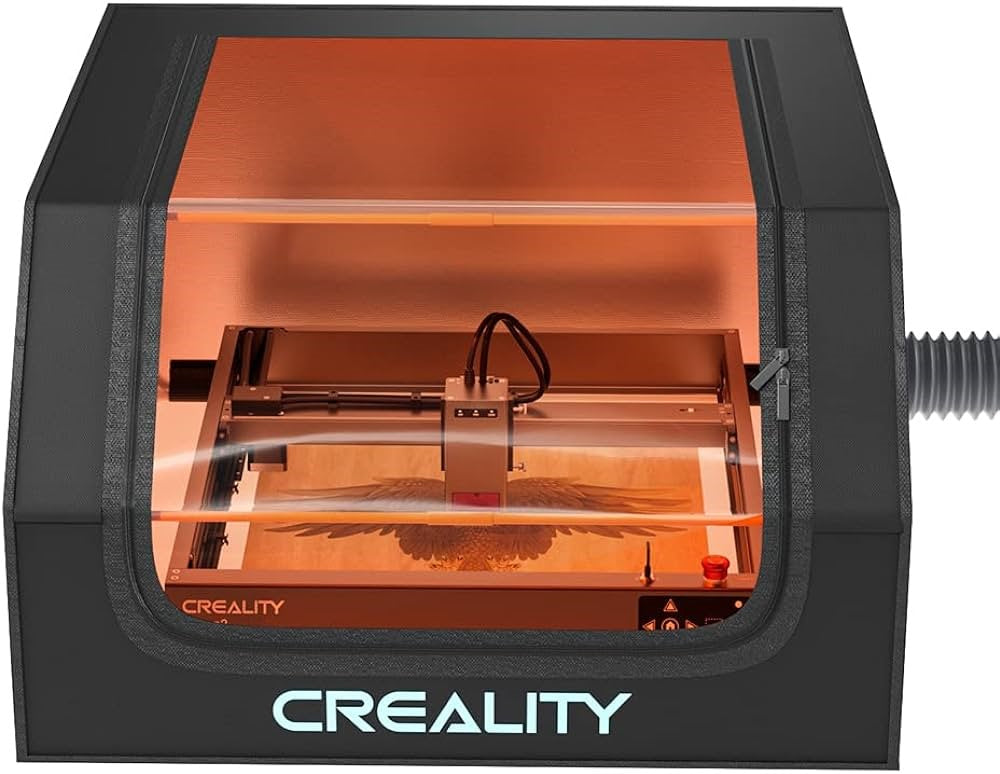
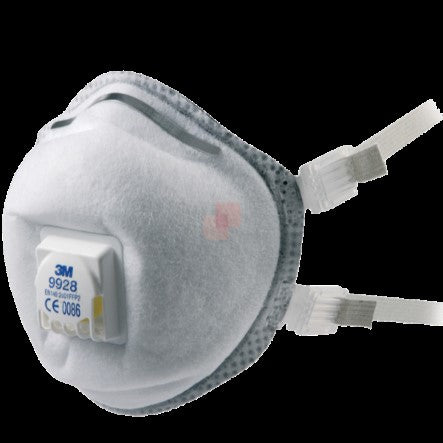
Always remember to use protective glasses (if you don't have a cover), a fume extractor and, in the case of EVA rubber, also a good mask. Good work!
Recent News

Material Settings of Creality Falcon Laser Series
Explore the complete material settings for the Creality Falcon Laser Series. Find recommended power, speed, and pass settings...

Norton White Tile (NWT) How-To
Items Needed1. First thing you do is run a material test. If you have not done one or...

How to: Photo Engraving on Slate with Laser Falcon 22W
SoftwareLightBurnMachineCrealityFalcon Falcon2 22W Laser EngraverLaser Module Output Power22WMaterial UsedSlate, Laser Falcon 22W, Safety glassesAuthorMarcuzzo MattiaPurposeEngraving photos on slateLightBurn...


