



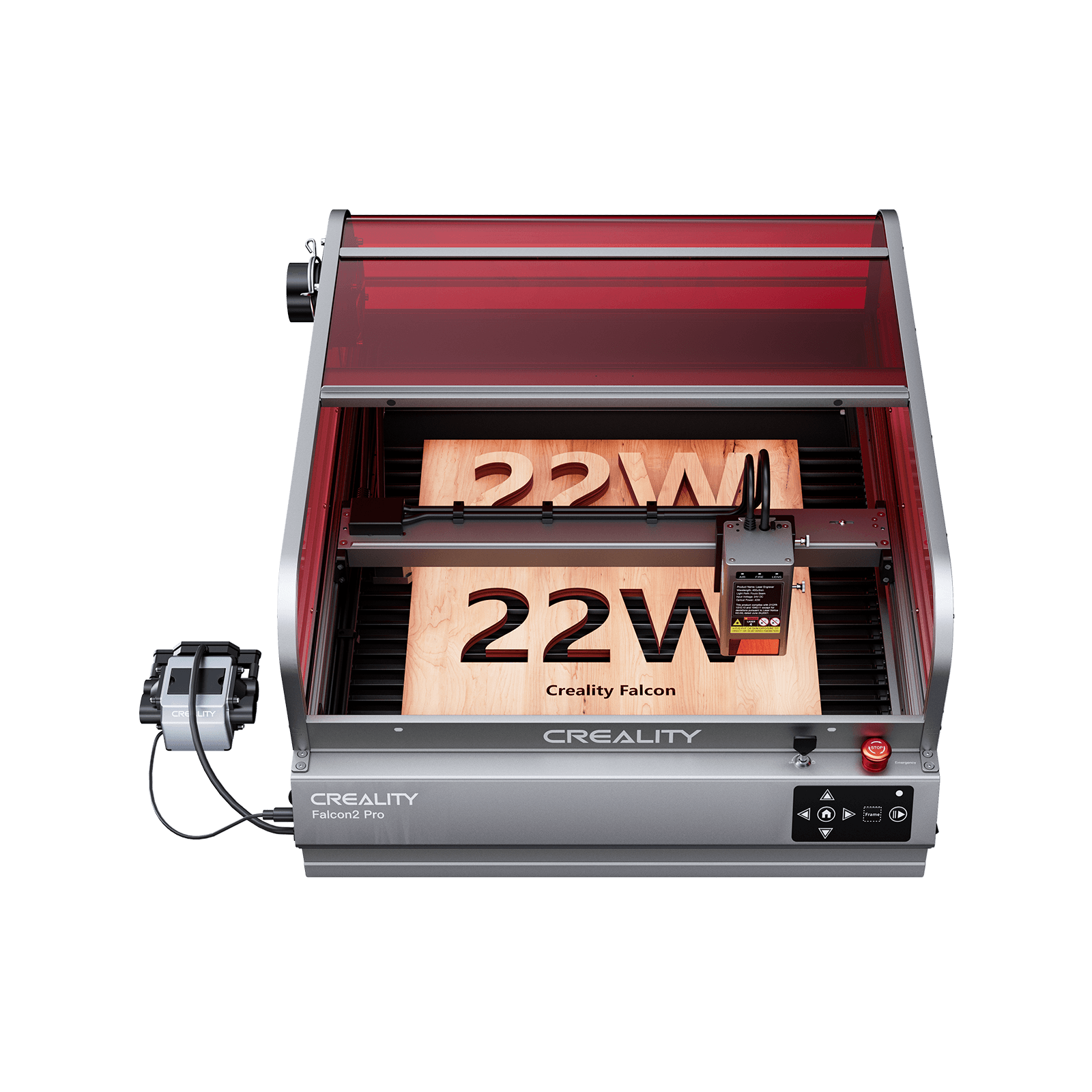


The 4 Best Desktop Laser Cutters for Indoor Use

Using a laser cutter indoors is very different from using one in a garage or workshop.
For indoor environments, machines need to be compact, enclosed, and well-ventilated—otherwise, smoke and fumes can quickly become a problem.
Many laser cutters on the market are open-frame and not designed for indoor use.
That’s why choosing the right model is important, especially if you’re working in a home, office, or small studio.
In this guide, we’ve selected the Top 4 Desktop Laser Cutters for Indoor Use that offer safe design, clean operation, and reliable performance.
What Is a Desktop Laser Cutter
A desktop laser cutter is a compact machine designed to engrave and cut materials using a focused laser beam, making it ideal for home studios and small workspaces.
- Combines engraving and cutting in one device
- Designed to fit on a desk or workbench without taking up much space
- Suitable for projects like signage, crafts, and product customization
- Uses software to ensure repeatable and precise results
However, one critical factor many beginners overlook is smoke and fumes.
When cutting materials like wood, acrylic, or leather, a laser cutter produces visible smoke, odor, and fine particles.
In small indoor environments, this can quickly become uncomfortable—or even unsafe—if not properly managed.
This is why enclosed desktop laser cutters are strongly recommended:
- Contain smoke and reduce direct exposure
- Work more effectively with ventilation or exhaust systems
- Keep your workspace cleaner and safer
- Allow more stable and controlled cutting conditions
Compared to open-frame machines, enclosed models are far more suitable for home use, apartments, and small studios, where airflow is limited.
For most users, choosing a compact, enclosed desktop laser cutter is not just about convenience—it’s essential for maintaining a safe and usable working environment.
Best 4 Desktop Laser Cutters for Indoor Use (Enclosed & Home-Friendly)
When choosing a desktop laser cutter for beginners, two factors matter most:
compact size and fully enclosed design
Laser cutting produces smoke, odor, and fine particles, especially when working with wood, acrylic, or leather. In a home or small studio, open-frame machines can quickly fill the space with fumes.
That’s why all the models below are fully enclosed, making them safer, cleaner, and far more practical for indoor use.
1. Glowforge Aura — Best Plug-and-Play Experience
Price: $999.00
Glowforge Aura focuses on simplicity and ease of use, making it one of the most accessible enclosed laser cutters for beginners.

Why it’s a good desktop laser cutter:
- Fully enclosed CO₂ system reduces exposure to smoke and debris
- Clean, guided workflow removes the need for manual setup
- Consistent results thanks to optimized presets and automation
- Minimal learning curve, even for complete beginners
What makes it stand out:
The Aura is built for users who don’t want to deal with technical setup. Its system handles most of the configuration automatically, allowing you to focus on design and output rather than machine tuning.
However, this simplicity also means less flexibility compared to more open systems.
Best for:
Users who want a straightforward, plug-and-play experience with minimal setup
2. xTool S1 — Best Mid-Range Enclosed Upgrade
Price: $1,199.00 - 20W Version
The xTool S1 offers more power and flexibility while still maintaining an enclosed, home-friendly design.

Why it’s a good desktop laser cutter:
- Fully enclosed housing improves safety and helps manage smoke indoors
- Higher power options allow faster cutting and thicker materials
- Modular design supports upgrades and expanded functionality
- Reliable software ecosystem balances control and usability
What makes it stand out:
The S1 is a strong step up from entry-level machines. It gives users more control and performance while still being manageable in a home environment.
It’s particularly useful for users transitioning from hobby use to small business production.
Best for:
Users who want more cutting power and flexibility without moving to industrial machines
3. WeCreat Vision — Best for Creative Workflows & Design
Price: $1,199.00
WeCreat Vision is designed for users who prioritize precision, layout control, and creative flexibility.

Why it’s a good desktop laser cutter:
- Fully enclosed design improves safety and reduces smoke exposure
- Integrated camera system helps with positioning and batch alignment
- Compact and clean setup suitable for desks and small studios
- Flexible software compatibility for different design workflows
What makes it stand out:
The Vision focuses heavily on visual workflow and design efficiency. The camera system makes it easier to align materials and reduce errors, which is especially useful for repeated production or detailed projects.
Best for:
Creators who want more control over layout, positioning, and visual precision
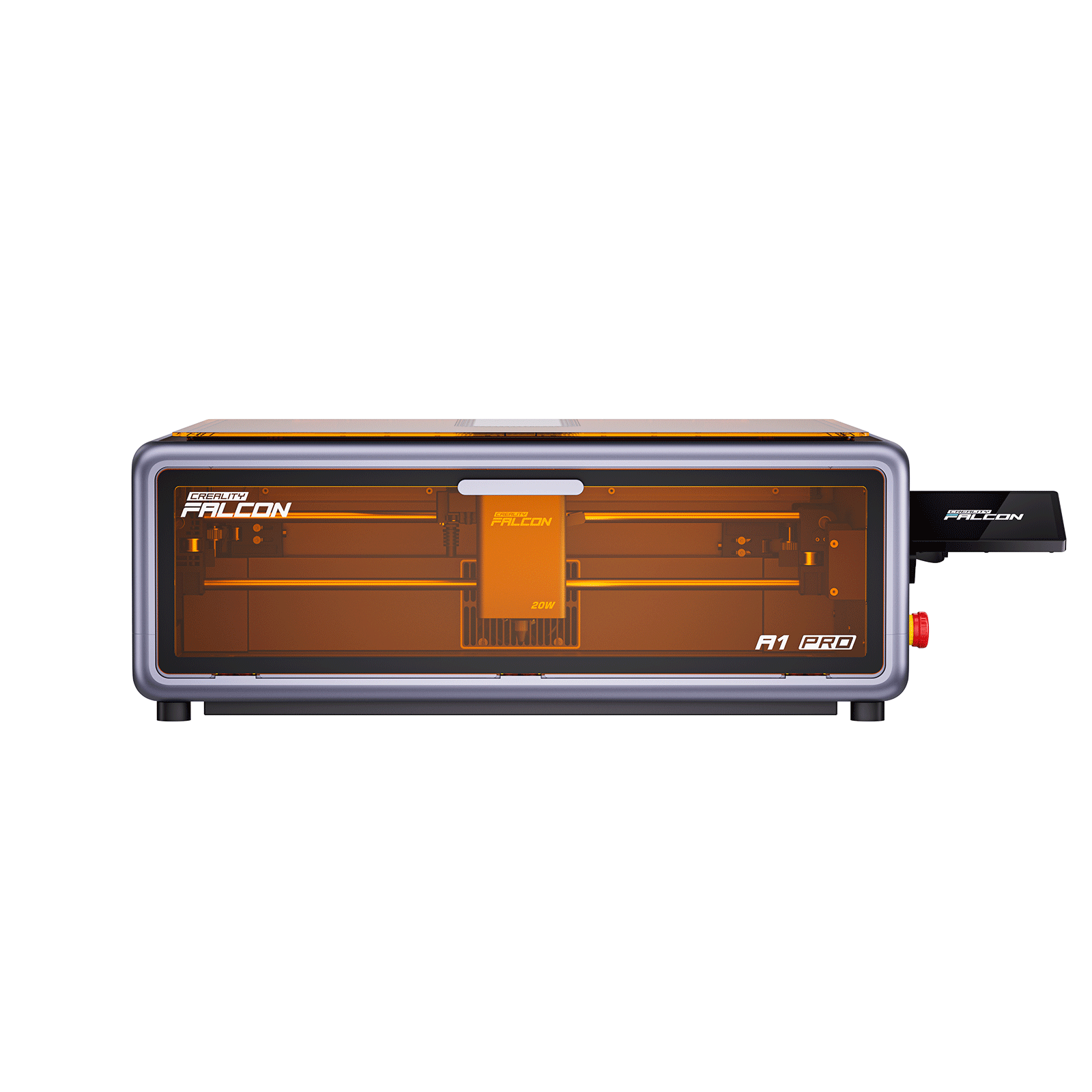
4. Creality Falcon A1 Pro — Best Overall for Beginners & Home Use
Price: €1.179,00
The Creality Falcon A1 Pro is one of the most balanced desktop laser cutters available today, especially for users working in limited indoor spaces.

Why it’s a good desktop laser cutter:
- Fully enclosed design helps contain smoke and improves ventilation efficiency
- Compact footprint fits easily on a desk without requiring a dedicated workshop
- Stable motion system ensures consistent engraving and clean cutting results
- Beginner-friendly workflow reduces setup time and learning curve
What makes it stand out:
The A1 Pro is designed for real-world use, not just specs. It combines safety, usability, and performance in a way that allows beginners to start quickly while still supporting small-batch production.
It performs well across common materials like wood, leather, and acrylic, making it suitable for both creative projects and small business use.
Best for:
Users who want a safe, reliable, and easy-to-use machine for home or small-scale production
5. Key Takeaway
For beginners, the biggest mistake is underestimating smoke and workspace limitations.
- Open-frame machines → smoke spreads, harder to manage
- Enclosed machines → controlled airflow, safer indoor use
Choosing a compact, enclosed desktop laser cutter is not just about convenience—it’s essential for a usable and safe workspace.
For most users, a model like the Creality Falcon A1 Pro offers the best balance of size, safety, and performance, making it an ideal starting point.
|
Feature |
||||
|
Price (USD) |
€1.179,00 |
$1,199.00 |
$999.00 |
$1,199.00 |
|
Enclosure Type |
Full enclosure (Class 1) |
Full enclosure |
Full enclosure |
Full enclosure |
|
Desktop Fit (Size) |
Very compact, ideal for desks |
Medium size, requires more space |
Medium size |
Compact to medium |
|
Smoke Control (Indoor Use) |
Excellent, well-contained airflow |
Strong, requires proper ventilation |
Strong, optimized airflow |
Strong, enclosed airflow |
|
Laser Type |
Diode |
Diode |
CO₂ |
Diode |
|
Power Level |
Balanced (20W class) |
High (up to 40W) |
Medium (CO₂ optimized) |
Balanced |
|
Ease of Use |
Very beginner-friendly |
Easy with moderate learning curve |
Extremely easy, guided workflow |
Easy with visual alignment tools |
|
Software |
LightBurn + native support |
Native ecosystem + optional tools |
Cloud-based software |
Native + LightBurn compatible |
|
Precision & Stability |
High stability and consistent output |
High performance and stable motion |
High precision for craft work |
High precision with camera alignment |
|
Best Use Case |
Home + small business production |
Users upgrading for more power |
Hobby and craft-focused users |
Design-focused workflows |
|
Overall Value |
Best balance of safety, size, and usability |
Strong performance and flexibility |
Best for ease of use |
Best for creative workflows |
Final Thoughts
A desktop laser cutter is more than just a tool—it’s a gateway to creativity and scalable production.
By understanding the differences in laser type, features, and setup requirements, you can choose a machine that grows with your needs.
For most users, starting with a compact, enclosed, and easy-to-use system offers the best balance of safety, performance, and long-term value.


