





Best Free and Paid Software for Laser Engraving and Cutting

Introduction: Why Software Matters in Laser Engraving
When it comes to laser engraving and cutting, the hardware gets most of the attention — wattage, speed, and precision.
But software is just as important. A powerful laser cutter is only as good as the program driving it.
From designing logos and patterns to setting speed and power levels, the right software can save time, improve accuracy, and unlock new creative possibilities.
In this guide, we’ll explore the best free and paid software for laser engraving and cutting, compare their strengths, and help you choose the right one for your needs.
Free Software Options for Laser Engraving
For beginners or hobbyists, free software is a great way to get started without additional costs. Here are the most popular choices:
1. LaserGRBL
-
Best for: Windows users with diode lasers
-
Features: Supports vector and raster engraving, grayscale images, and custom G-code.
-
Pros: Lightweight, open-source, easy for beginners.
-
Cons: Limited advanced features, no native Mac support.
2. Inkscape (with Plugins)
-
Best for: Designers who want free vector tools
-
Features: Open-source vector graphics editor with extensions like J Tech Photonics or K40 Whisperer for laser output.
-
Pros: Comparable to Adobe Illustrator for vector drawing.
-
Cons: Requires plugins for laser compatibility, steeper learning curve.
3. LightBurn Trial (30 Days)
-
Best for: Testing professional features before buying
-
Features: Full design suite, cut/engrave optimization, material libraries.
-
Pros: Intuitive UI, supports most popular engravers.
-
Cons: Free only for a limited time.
4. Carbide Create
-
Best for: Simple 2D projects
-
Features: Free 2D CAD/CAM software with basic toolpath creation.
-
Pros: Beginner-friendly, simple layout.
-
Cons: Limited compared to paid programs, Windows/macOS only.

Paid Software Options for Laser Engraving
If you’re serious about laser engraving — whether for business, education, or advanced projects — paid software provides the best workflow, compatibility, and support.
5. LightBurn (Most Popular)
-
Price: ~€60–€120 one-time license
-
Best for: Hobbyists and professionals
-
Features: Full vector editing, image tracing, power/speed optimization, material libraries, camera alignment.
-
Pros: User-friendly, cross-platform, works with most diode and CO₂ lasers.
-
Cons: Paid upgrades after 1 year if you want updates.
6. Adobe Illustrator (with Laser Plugins)
-
Price: Subscription (~€24/month)
-
Best for: Professional designers
-
Features: Industry-standard vector editor, integrates with plugins (e.g., LightBurn import, Glowforge print driver).
-
Pros: Powerful design toolkit.
-
Cons: Expensive, needs plugin for laser compatibility.
7. CorelDRAW
-
Price: ~€350+ (one-time or subscription)
-
Best for: Business users & signage industry
-
Features: Widely used in engraving shops, strong text and vector tools.
-
Pros: Works with many engravers (especially CO₂).
-
Cons: Heavier software, not always optimized for diode lasers.
8. AutoCAD / Fusion 360
-
Price: €60+/month (Fusion free for students/startups)
-
Best for: Engineers and precision cutting
-
Features: Advanced CAD/CAM design, 3D modeling, mechanical drawings.
-
Pros: Perfect for technical and engineering applications.
-
Cons: Too advanced for hobby engraving, steep learning curve.
9. EZCAD (for Fiber Lasers)
-
Price: Usually included with fiber engravers
-
Best for: Metal engraving with fiber lasers
-
Features: Designed for Galvo/fiber machines, supports deep engraving.
-
Pros: Standard for industrial fiber engravers.
-
Cons: Outdated UI, limited for artistic projects.
Free vs Paid: Which One Should You Choose?
| Feature | Free Software | Paid Software |
|---|---|---|
| Cost | €0 | €60–€350+ |
| Ease of Use | Basic | Beginner → Professional |
| Compatibility | Limited | Wide (diode, CO₂, fiber) |
| Features | Core only | Advanced design, automation, camera alignment |
| Best For | Beginners, hobbyists | Business, professional creators |
If you’re just experimenting with laser engraving, starting with LaserGRBL or Inkscape is smart. But if you’re running an Etsy store, classroom program, or small business, investing in LightBurn or CorelDRAW pays off with better results and efficiency.
Pairing Software with the Right Hardware
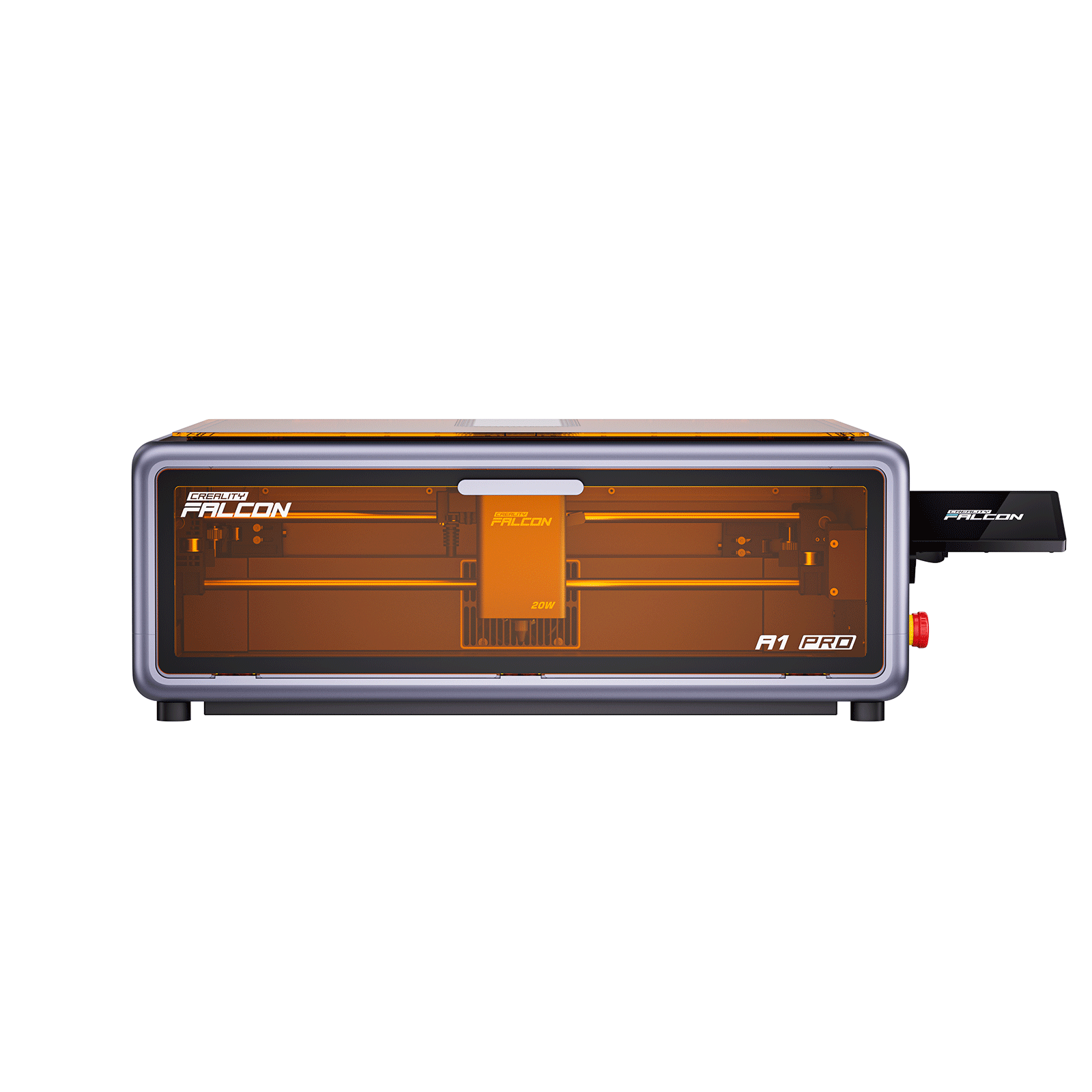
Even the best software needs a capable engraver to deliver results. For example, pairing LightBurn with a high-speed diode engraver like the Falcon A1 Pro 20W Dual-laser Engraver allows you to:
-
Cut 10mm wood and 8mm acrylic in a single pass
-
Achieve ultra-fine detail with the optional IR laser module
-
Enjoy real-time app monitoring and AI autofocus for precision
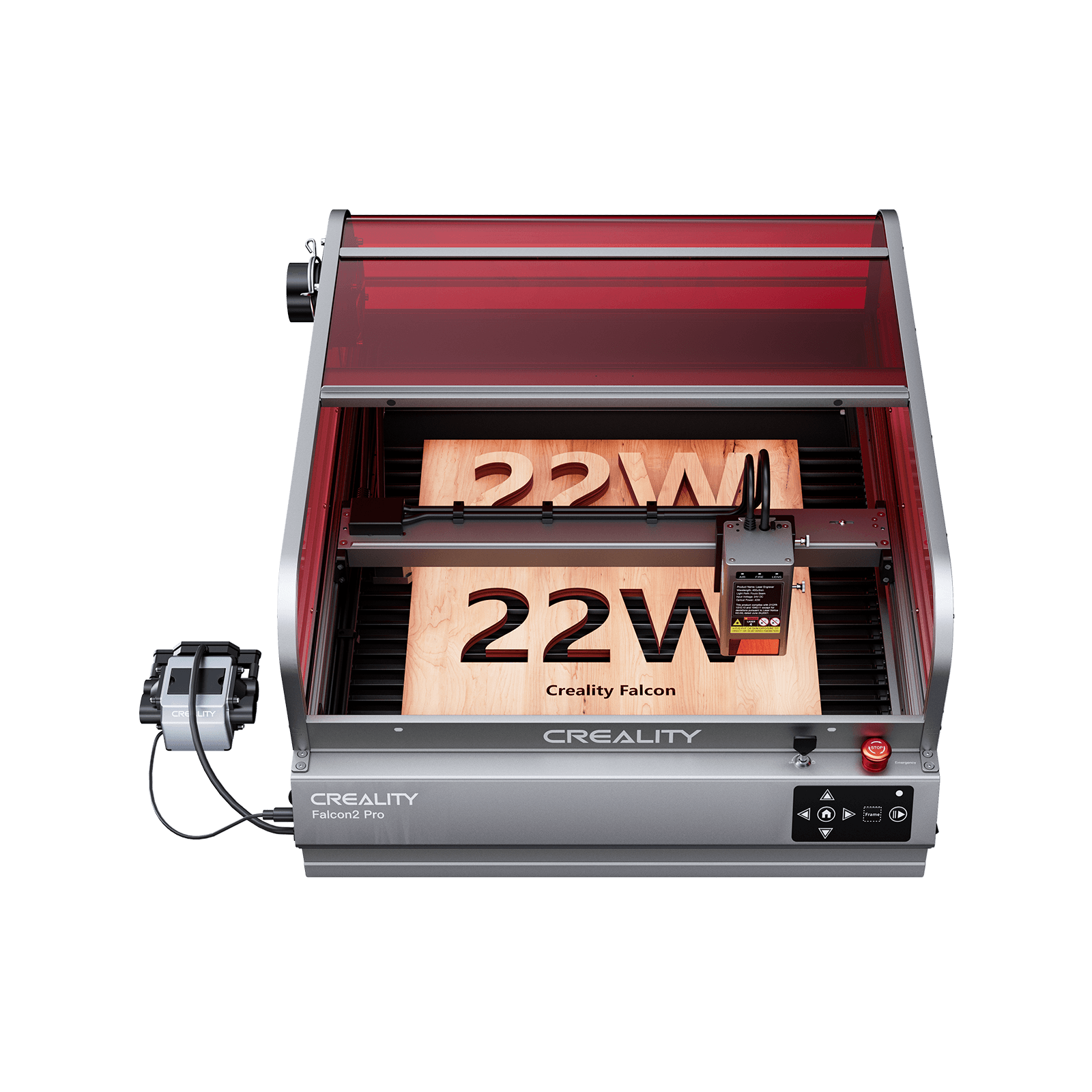
For larger workloads, enclosed machines like the Falcon2 Pro 40W provide professional-grade performance with built-in safety features.
Conclusion: Choosing the Right Laser Engraving Software
The best software for you depends on your goals, budget, and experience level:
-
Beginners → LaserGRBL / Inkscape
-
Hobbyists & semi-pro → LightBurn
-
Design professionals → Illustrator / CorelDRAW
-
Engineers → Fusion 360 / AutoCAD
-
Industrial fiber users → EZCAD
By combining the right software with a capable engraver like the Creality Falcon series, you can maximize efficiency, improve precision, and unlock endless creative opportunities.
Recent News

How to Maintain and Clean Your Laser Engraver for Longevity
A laser engraver is an investment in your creativity and business.Like any precision machine, it requires regular care...

CO₂ vs Diode vs Fiber Laser: Key Differences Explained
Learn the key differences between CO₂, diode, and fiber lasers. Compare materials, power, costs, and find the best...

Best Materials for Laser Engraving and Cutting: A Complete Guide
Introduction: Why Material Choice MattersLaser engraving is one of the most versatile digital fabrication methods.From custom jewelry and...


