





Laser Engraver vs CNC Router: Which One Should You Choose?

Introduction: Two Powerful Tools for Makers and Businesses
When it comes to digital fabrication, laser engravers or laser cutters and CNC routers are two of the most widely used machines.
Both can cut, carve, and shape materials with high precision, but they use very different technologies.
-
A laser engraver relies on a high-powered beam of light to burn or vaporize material.
-
A CNC router uses a mechanical spindle and cutting tools to physically mill away material.
Choosing between them depends on your goals, budget, and the materials you want to work with. This guide will explore the key differences and help you decide which one fits your needs best.
What Is a Laser Engraver?
Laser engraving is a subtractive manufacturing process that removes material with concentrated light.
How it works:
-
A diode, CO₂, or fiber laser produces a focused beam.
-
The laser moves over the surface following a design file.
-
Material is vaporized or burned away, creating precise cuts or engravings.
Key strengths:
-
Works with 350+ materials: wood, acrylic, leather, glass, coated metals, stone, paper.
-
Extremely precise: spot sizes as small as 0.03 mm (with IR laser).
-
Fast: engravings can be completed in minutes.
-
Low maintenance: no tool bits, minimal wear and tear.
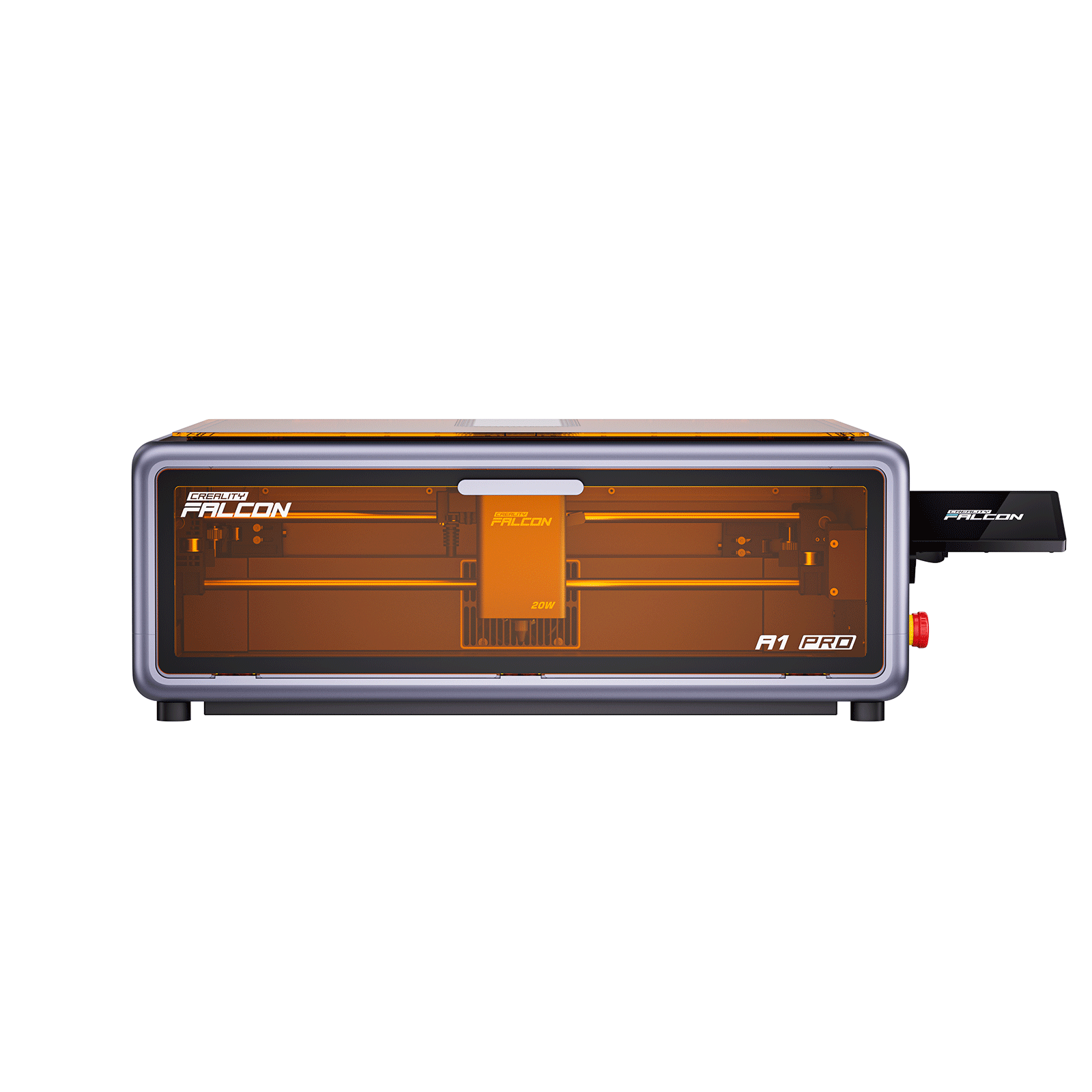
👉 Example: The Falcon A1 Pro 20W Dual-laser Engraver can cut 10mm basswood in one pass and engrave fine details on jewelry with an optional IR module.

What Is a CNC Router?
A CNC router is also a subtractive manufacturing tool, but instead of light, it uses rotating cutting bits.
How it works:
-
A spindle rotates at high speed.
-
Cutting bits remove material layer by layer.
-
Works similar to manual woodworking tools, but with digital precision.
Key strengths:
-
Handles thicker and denser materials (hardwoods, aluminum, composites).
-
Can produce 3D reliefs and complex carvings.
-
Ideal for structural parts like furniture, cabinetry, and mechanical prototypes.
CNC routers excel at depth and durability rather than speed and fine detail.
Key Differences Between Laser Engravers and CNC Routers
| Feature | Laser Engraver | CNC Router |
|---|---|---|
| Process | Light beam burns/vaporizes material | Spindle with cutting bits mills away material |
| Precision | Extremely fine (0.03 mm) | ~0.1–0.5 mm depending on tool |
| Speed | Fast engraving and cutting | Slower, depends on material thickness |
| Materials | Wood, acrylic, leather, glass, coated metal | Wood, MDF, plastics, aluminum, composites |
| Depth | Limited cutting depth (great for thin sheets) | Deep carving (several cm possible) |
| Maintenance | Low (clean lens, filters) | Higher (replace bits, oil, calibration) |
| Learning Curve | Easy with software like LightBurn | Steeper (CAD + CAM + toolpaths) |
| Noise & Dust | Smoke/fume extraction needed, quieter | Loud, lots of chips and dust |
| Cost of Entry | €600–€2000 (diode/CO₂) | €1500–€5000+ |
When to Choose a Laser Engraver
Laser engravers are best for:
-
Personalization: jewelry, leather goods, phone cases, awards.
-
Signage and branding: logos on wood, acrylic, glass.
-
Arts & crafts: papercuts, decorations, ornaments.
-
Small business production: Etsy shops, personalized gifts.
If your goal is fine detail, fast turnaround, and working with many materials, a laser engraver is ideal.
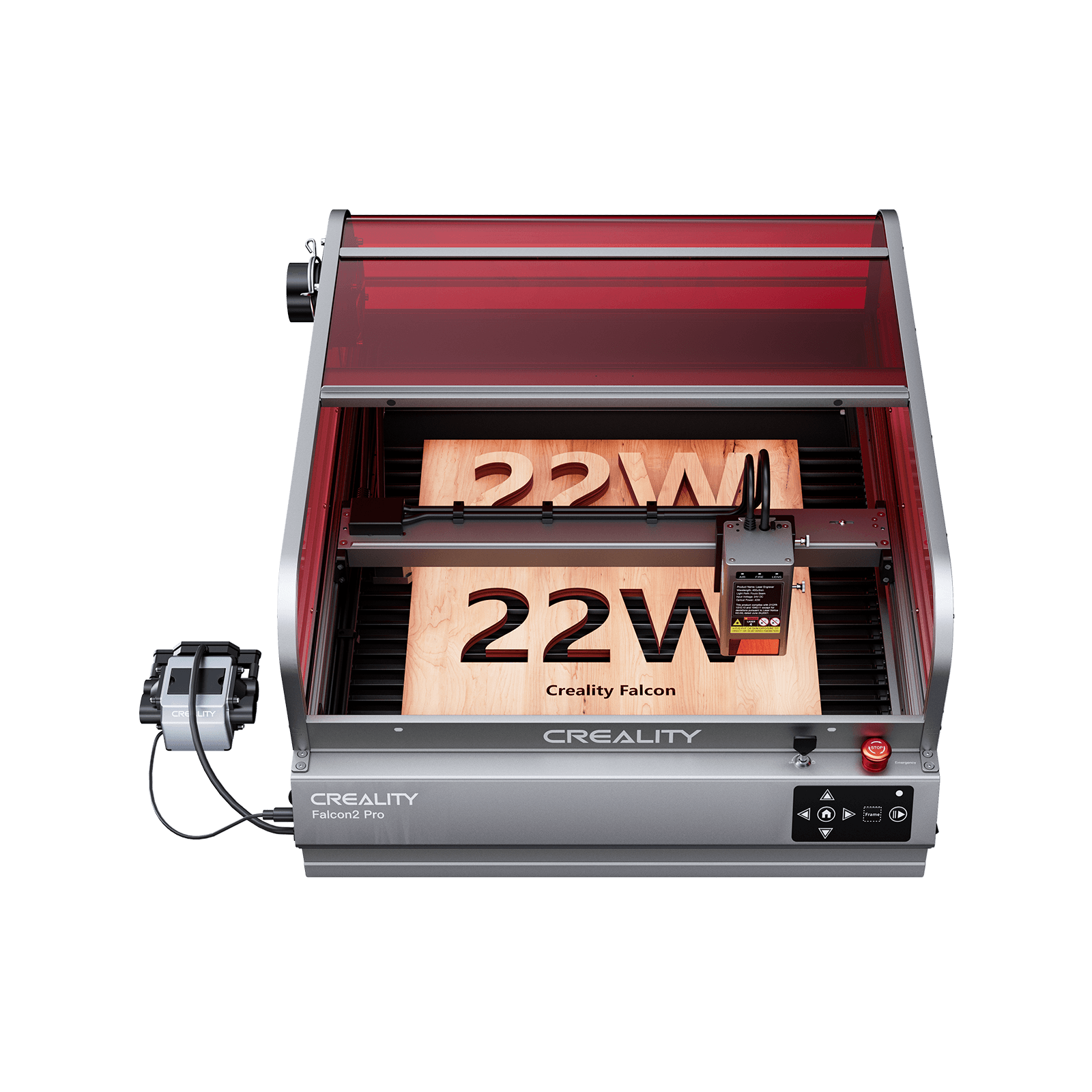
👉 The Falcon2 Pro 40W Enclosed Laser Engraver adds higher power and enclosed safety features, perfect for small workshops.
When to Choose a CNC Router
CNC routers are best for:
-
Furniture and cabinetry: carving solid wood, MDF, plywood.
-
Mechanical parts: aluminum brackets, composite panels.
-
3D relief carving: topographic maps, sculpted panels.
-
Large-format projects: sheets of wood or plastics.
If your goal is depth, durability, and structural strength, a CNC router is the better tool.
Similarities Between Laser Engravers and CNC Routers
-
Both are computer-controlled subtractive machines.
-
Both require design software (CAD/CAM).
-
Both can cut, shape, or etch flat materials.
-
Both open opportunities for makers, businesses, and education.
They are often complementary rather than competitive.
Combining Both Technologies
Many workshops use laser engravers and CNC routers together:
-
CNC router builds the structural part (e.g., a wooden sign).
-
Laser engraver adds logos, text, or decorative details.
-
CNC router cuts large panels, while laser engraver personalizes products.
Together, they provide maximum creative flexibility.
Cost and Return on Investment
Laser Engraver
-
Entry-level diode models: €600–€1500.
-
CO₂ machines: €2500+.
-
Running costs: minimal (electricity, occasional lens cleaning).
-
ROI: High for personalization businesses.
CNC Router
-
Entry models: €1500–€3000.
-
Professional machines: €5000+.
-
Running costs: cutting bits, oil, dust extraction.
-
ROI: High for furniture, cabinetry, prototyping.
👉 For small businesses selling personalized products, laser engravers usually offer a faster payback. For industrial applications, CNC routers may be more profitable.
Learning Curve & Usability
-
Laser Engraver: Software like LightBurn is beginner-friendly. Autofocus and preview cameras make alignment easy.
-
CNC Router: Requires knowledge of CAD (design), CAM (toolpaths), feeds & speeds, and material handling. Beginners may face a steeper learning curve.
Safety Considerations
Laser Engravers
-
Require smoke extraction or air purifier.
-
Eye protection from laser light.
-
Modern devices include flame detection, enclosed designs, and auto-shutoff.
CNC Routers
-
Produce noise, dust, and flying chips.
-
Require dust collectors and ear protection.
-
Bits can break if misused.
Laser engravers are generally safer for home or classroom environments, while CNC routers need more workshop infrastructure.
Future Trends: Laser vs CNC
-
Laser engravers are becoming more powerful, compact, and AI-driven (autofocus, flame detection, batch recognition).
-
CNC routers are evolving with better spindles, automated tool changers, and hybrid additive-subtractive systems.
In many industries, both technologies will coexist, each serving unique roles.
Conclusion: Which Should You Choose?
-
Choose a laser engraver if you value precision, speed, personalization, and versatility across many materials.
-
Choose a CNC router if you need deep cuts, structural strength, and large-scale woodworking or metal projects.
-
Use both together if you run a professional workshop and want maximum creative potential.
👉 Explore the Creality Falcon collection to see how modern laser engravers like the Falcon A1 Pro 20W and Falcon2 Pro 40W can help bring your ideas to life.
Recent News

How to Maintain and Clean Your Laser Engraver for Longevity
A laser engraver is an investment in your creativity and business.Like any precision machine, it requires regular care...

CO₂ vs Diode vs Fiber Laser: Key Differences Explained
Learn the key differences between CO₂, diode, and fiber lasers. Compare materials, power, costs, and find the best...

Best Materials for Laser Engraving and Cutting: A Complete Guide
Introduction: Why Material Choice MattersLaser engraving is one of the most versatile digital fabrication methods.From custom jewelry and...


