





Creality Falcon2 Review: Is It Worth It

The Creality Falcon2 has quickly become a popular choice for laser engraving enthusiasts and small business owners alike, thanks to its impressive specifications and performance.
But is it worth the investment? In this review, we’ll break down its features, performance, and value to help you decide if this laser engraver is the right choice for your needs.
What Can You Do with Creality Falcon2
The Creality Falcon2 is a versatile laser engraver that offers impressive performance across a variety of materials.
Whether you’re looking to engrave wood, leather, acrylic, or even some metals (with the right laser module), the Falcon2 provides excellent precision and speed.
Its power and flexibility make it suitable for both hobbyists and small businesses.
- Speed and Precision: The Falcon2 offers fast engraving and high precision, making it ideal for detailed projects. Whether you're working on small designs or larger pieces, it handles intricate work with ease.
- Materials: The Falcon2 is capable of engraving and cutting through a wide range of materials, including wood, leather, acrylic, and metal (with the 40W version and suitable modules).

3 Advantages of the Creality Falcon2
Strong Performance
- Speed and Power: Many users report that the Falcon2 offers significantly improved speed and laser power compared to older models, making it efficient for cutting and engraving common materials.
- Built-in Camera: Some users have noted that the integrated camera is helpful for alignment and photo capture, making the setup and positioning process more convenient.
Comprehensive Features
- Air Assist is Helpful: Turning on the air assist reduces scorch marks, and in some user tests, it performs well.
- Software Compatibility: The Falcon2 is compatible with popular laser engraving software like LightBurn, Falcon Design Space, and LaserGRBL, allowing users to complete various projects.
Strong Community Support
- The Falcon2 has a vibrant online community where users share tips, settings, and troubleshooting advice. Many beginners find this helpful as they get up to speed.
5 Disadvantages of the Creality Falcon2
Quality Control and Assembly Issues
- Some users report issues with the machine’s alignment or assembly out of the box. For example, some find that cutting square shapes isn’t perfectly accurate and requires adjustments to the rails or alignment.
Customer Service and After-Sales Experience
- Several users have mentioned poor communication with Creality’s customer service, long shipping times, and slow response to after-sales inquiries.
Learning Curve and Software Issues
- Beginners often struggle with the software settings and material presets, with some users noting that the default parameters are not sufficient. This leads to a learning curve.
- Some users also mention issues with camera calibration, firmware versions, and software setup, which can be confusing for those new to laser engraving.
Smoke and Fume Issues
- Like many desktop laser engravers, users report significant smoke and fumes during operation, which can be uncomfortable in a home environment without proper ventilation.
Lack of Automatic Focusing or Advanced Features
- Some users point out that the Falcon2 lacks automatic focusing, which is a feature commonly found in higher-end or enclosed models, making it less convenient for precise tasks.
3 Difference Between 22W/40W Version
The Creality Falcon2 comes in two versions: the 22W and 40W. Here's how they compare:
- Power: The 40W version is ideal for cutting thicker materials like wood, acrylic, and certain metals. The 22W version, on the other hand, is better suited for detailed engraving on thinner materials.
- Performance: The 40W model performs faster and more effectively for demanding projects, while the 22W is more budget-friendly and suitable for lighter tasks.
- Suitability:
- >22W: Great for beginners or hobbyists working on light materials and detailed engravings.
- >40W: Better for small business owners or those who need more power for faster engraving and cutting through thicker materials.
Should You Buy Creality Falcon2
The Creality Falcon2 is a great option for those looking to get into laser engraving without breaking the bank. But should you buy it?
- Buy the 22W version if:
- >You’re just starting out and need a budget-friendly option for engraving thin materials.
- >You want a laser engraver for personal projects, home-based businesses, or as a hobby.
- Buy the 40W version if:
- >You need more power to cut through thicker materials.
- >You run a small business and need a faster, more versatile machine.
- >You plan to work with metals or large-scale projects.

Where Can I Buy Creality Falcon2 22W/40W
You can purchase the Creality Falcon2 from the following sources:
- Creality’s Official Website: Check for the latest promotions and deals, with options available for the US, UK, CA, AU, and other regions.
- Authorized Retailers: Websites like Amazon, eBay, and other online tech retailers offer both the 22W and 40W versions.
- Creality Falcon Distribution Partners: Currently, due to compliance issues, the Falcon2 is no longer available for purchase online in the EU and DE.
Closed Machine VS. Frame-Only Machine
When choosing a laser engraver, one important consideration is the type of design.
Frame-only models, like the basic Falcon2 version, may be appealing for their open design and flexibility.
However, they come with a key drawback: smoke and fumes.
Benefits of a Closed Machine Design for Beginners:
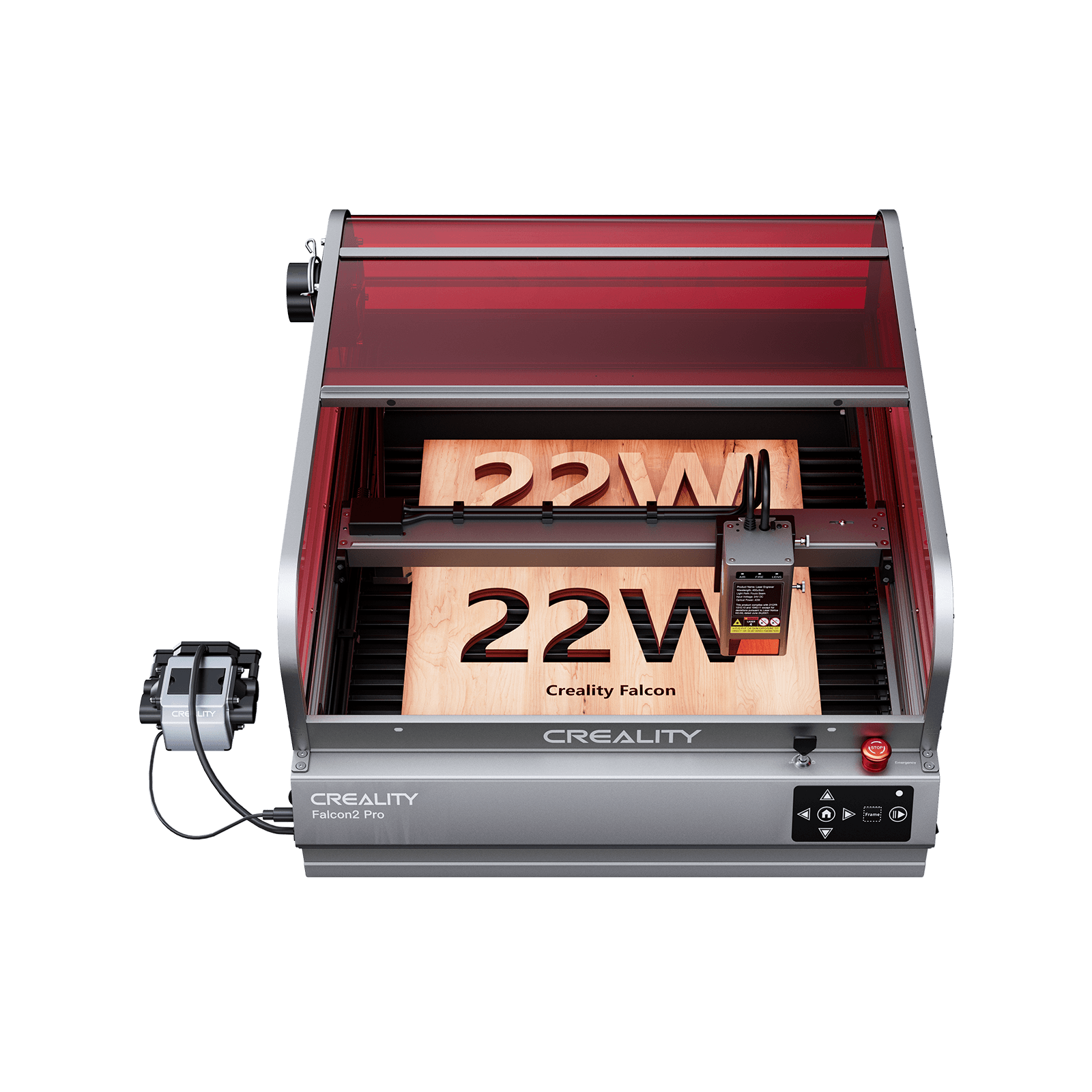
- Smoke Containment: Closed machines, like the Falcon2 Pro, have built-in enclosures that help contain smoke and fumes during operation. This is especially important for beginners, as it keeps the workspace cleaner and safer.
- Safety: A closed design minimizes exposure to the laser beam, reducing the risk of accidents and eye injury, making it a safer option for users with little to no experience.
- Noise Reduction: The enclosure also helps to reduce noise, which can be disruptive in a home or small office environment.
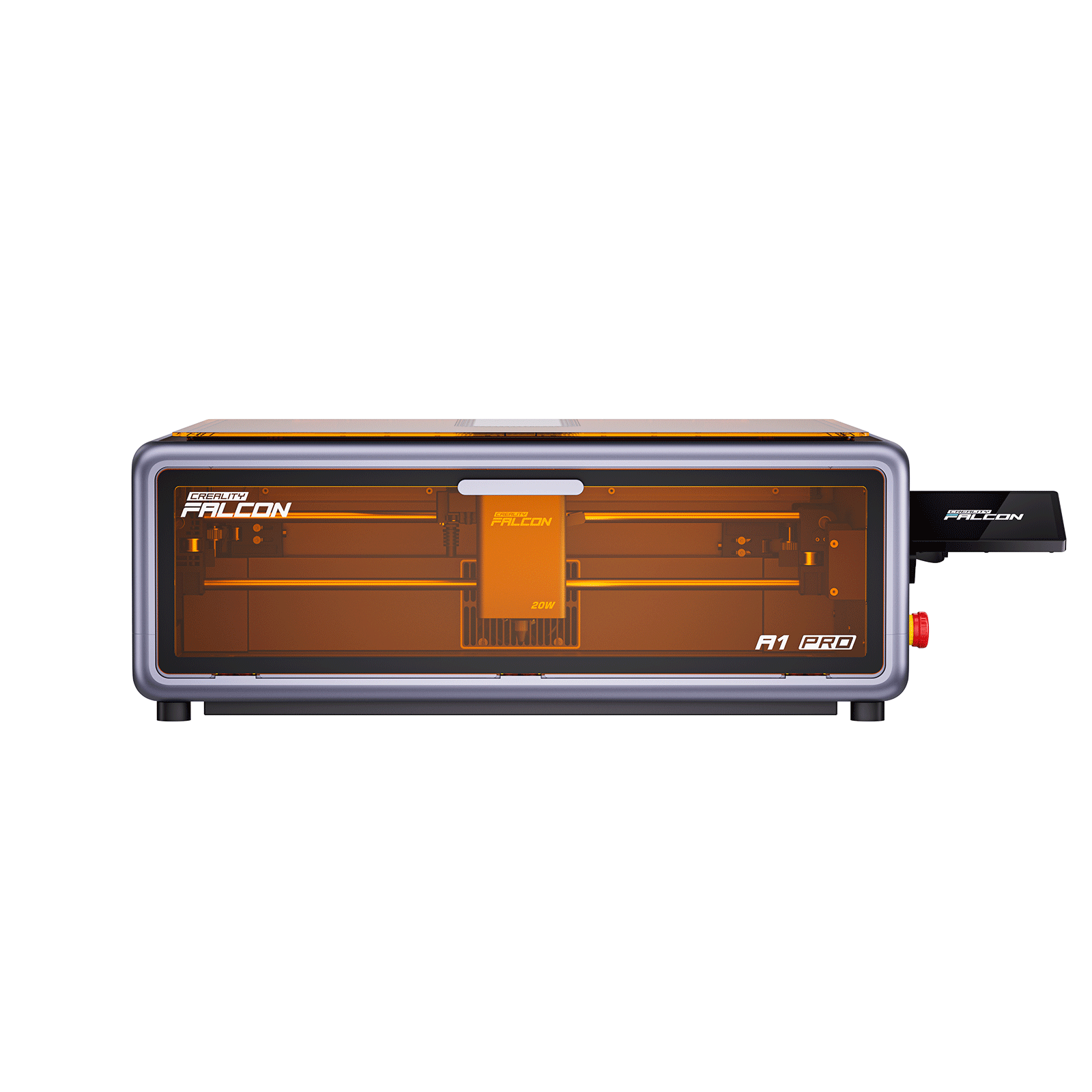
If you’re a beginner or concerned about air quality and safety, a closed machine like Falcon A1 Pro might be a better choice for you.
FAQs About Creality Falcon2
1. Is the Creality Falcon 2 good?
Yes, the Creality Falcon2 is highly regarded for its performance, versatility, and value. It is an excellent choice for hobbyists and small businesses.
2. Is the Creality Falcon 2 safe to use?
Yes, the Falcon2 comes with built-in safety features like protective covers and an emergency stop button. However, as with any laser engraver, proper safety precautions are essential, including wearing protective eyewear and ensuring proper ventilation.
3. What software does Creality Falcon 2 use?
The Falcon2 is compatible with software like LaserGRBL, LightBurn, and other common laser engraving programs, making it easy to design and control your projects.
4. Does the Creality Falcon need maintenance?
Yes, regular maintenance is required, including cleaning the lens, checking for wear, and ensuring that the machine is properly calibrated to maintain optimal performance.
The End
The Creality Falcon2 offers an excellent balance of performance, value, and ease of use for both beginners and experienced users.
Whether you’re a hobbyist or a small business owner, it has the features and flexibility to help you bring your creative ideas to life.
If you're on the fence about buying it, consider your needs and whether you want the flexibility of a frame-only model or the additional safety and convenience of a closed design.
Recent News

Everything You Need to Know about Creality Falcon T1
Learn everything about Creality Falcon T1, including release date, regular price, laser modules, materials, safety, software, and who...

Creality Falcon A1 vs. A1 Pro: Key Differences Explained
In this blog, we explore the key differences between the Creality Falcon A1 and A1 Pro to help...


